


Registration for 1xBet gives you the ability to create an account that keeps everything in one spot. Account information, betting history, funds and payment history will all be saved on your profile. Starting registration for 1xBet in Spain requires you to pick Spain, choose the method you want to register with (email or phone), create a strong password and verify your contact information using a code that will be sent to you. A verified profile will help with safeguarding your withdrawals, as well as minimizing the time there is to wait for a payout. You will be able to make pre-match and live bets at any time on your account, as well as changing the odds from decimal, fractional, or American anytime you want. Your account will also let you see statistics for the matches. Available deposits will begin at €/$1 and your stakes will also be able to begin at $0.2, which is ideal to see how the market will perform before you set your limits to a higher amount. You will also be able to chat with customer service at any time to call or send them an email.
1xBet Registration steps
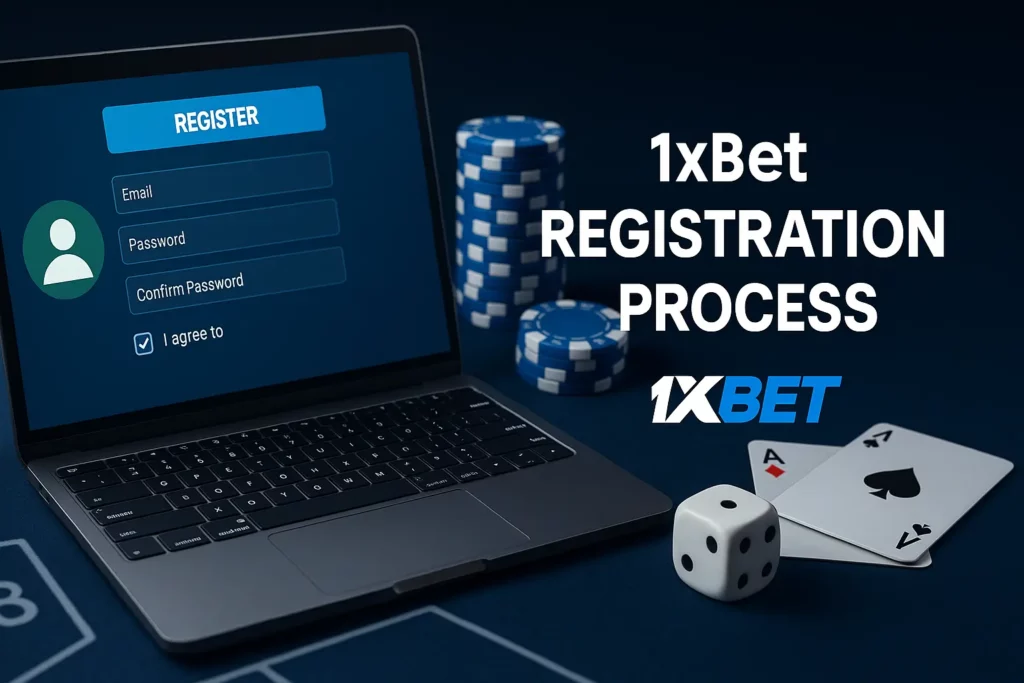
1xBet Registration for Spain users follows the same logic on desktop and mobile: you choose a contact method, confirm it with a code, then set the account basics that affect payments and recovery. We recommend preparing your active email or phone first, because verification codes are time-limited and failed retries can trigger short security locks.
- Before you start
- Age: 18+ only
- Currency: EUR is the practical choice for Spain-facing balances
- Connection: stable Wi-Fi or mobile data to avoid expired codes
- Security: a password with 8+ characters, letters + numbers
| Step | Email method | Phone method |
| Main credential | Email + password | Phone + password |
| Confirmation | Email code | SMS/phone code |
| Best for | Long-term recovery | Fast sign-in on mobile |

Email Sign up process
Email registration is the safest option when you want clean account recovery and fewer issues after device changes. We also recommend it if you plan to manage transactions often, because confirmation messages are easier to track in one inbox.
- Open Registration on our site or app and select Email.
- Enter your email and double-check spelling (one wrong character blocks the code).
- Create a password (8+ characters, mix letters and numbers).
- Select country and currency (Spain + EUR for most users).
- Confirm 18+ and accept the terms shown in the form.
- Submit the form and enter the email code to activate the profile.
- Set up the cashier: deposits can start from €/$1 and stakes can start from $0.2, so you can test markets before raising limits.
Phone Number Login Process
Phone sign-up is built for faster access on mobile, especially if you prefer quick SMS confirmation and regular logins from one device. The same credentials also work for 1xBet APK Login on Android if you switch platforms later.
- Choose Phone in the registration form.
- Select the correct country code and type your number without extra spaces.
- Set a strong password and confirm your basic profile details.
- Request the code and enter it promptly (delays can expire the token).
- Complete the first login and keep your contact data updated for future verification.
If you don’t receive a code, wait 1–2 minutes, request a new one once and avoid rapid repeats to prevent temporary blocks.
Registration through mobile devices
1xBet Registration in the mobile app for 1XBet Spain follows the same rules as web sign-up, but it’s faster because the form is optimized for touch screens and codes arrive directly to your phone or inbox. We recommend using stable Wi-Fi and having at least 200 MB of free space so the app runs smoothly during first launch.

Step 1 — Open the Registration screen
Tap Registration / Sign up from the старт page of the app.
Step 2 — Choose your method
Select Email or Phone. Phone is quicker for frequent logins; email is easier for long-term recovery.
Step 3 — Enter contact details
Type your email or phone number carefully and select the correct country code if you use phone.
Step 4 — Set security basics
Create a password with 8+ characters (letters + numbers). Confirm you are 18+ and accept the terms shown.
Step 5 — Pick currency and finish
Choose EUR if you want balances and payments displayed in the standard Spain format, then submit the form.
Step 6 — Confirm the code
Enter the verification code promptly; if it expires, request a new code once and avoid rapid repeats to prevent short locks.
| Item | Typical value |
| Minimum deposit | €/$1 (method-dependent) |
| Minimum stake | $0.2 |
| Support | 24/7 live chat, email, phone |
FAQ
Alias login depends on which identifier is enabled on your profile. Standard access uses the email or phone number you confirmed during sign-up, plus your password. Account ID login can work if your profile shows an ID and the login form accepts it. If you don’t see an ID option, use email/phone to avoid lockouts after repeated attempts.
App-only registration is available. The mobile app includes the same Email and Phone sign-up forms as the website, with code confirmation inside the flow. A stable connection helps because verification codes are time-limited and rapid retries can trigger a short security pause.
Email change is possible through profile settings when the account is active. A confirmation code or security step may be required to protect withdrawals and recovery. If the option is blocked (for example, because verification is pending), support can help after identity checks.
Email delivery issues usually come from spam filters or a typo in the address. Spam/Junk and Promotions folders should be checked first, then search your inbox for confirmation messages. Mailbox storage limits can also block new mail. If the address is wrong, switch to phone confirmation or contact support to update details after security checks.
Registration takes a few fields: choose Email or Phone, enter your contact correctly, set a strong password (8+ characters with letters and numbers), pick Spain and EUR if needed, confirm 18+, then submit. A code activates the profile. Deposits can start from €/$1 (method-dependent) and stakes can start from $0.2.
New player offers depend on the promotion available for your Spain profile at the moment of registration. A common format is a first-deposit bonus (for example, up to €300), but eligibility, wagering rules and time limits always sit in the promo terms. Check the Promotions section before depositing so the bonus is applied correctly.
Email alerts are controlled by communication preferences in your profile. Turn on marketing or notification emails (where available), then confirm your email is verified so messages can be delivered. App notifications can also be enabled at the iOS/Android system level for faster updates than email.
Password reset uses the “Forgot password” link on the login form. Choose email or phone recovery, enter the same contact you registered, submit the code, then set a new password (8+ characters, letters + numbers). If you hit a temporary lock, pause 10–15 minutes before trying again.